

We’ve made working inside workflow notes faster and more intuitive. You’ll see new navigation icons on every workflow note , giving you instant shortcuts to the actions you perform often.
Here’s what’s new:
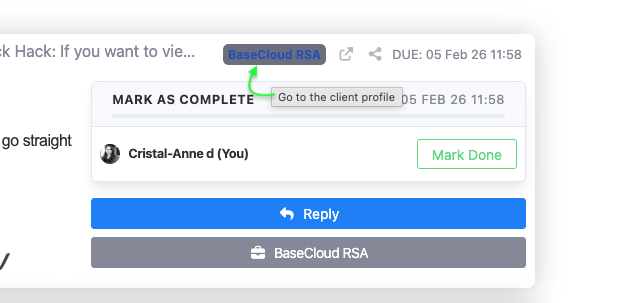
Jump straight to the client profile Click the client name badge to open the full client record in one click.
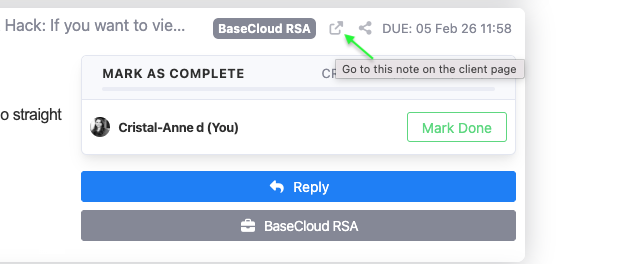
Go directly to the note on the client page Use the external-link icon to view that exact workflow note in the dedicated client profile.
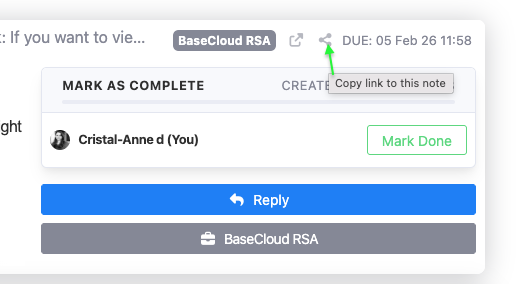
Copy a direct link to the note Grab a sharable link to the specific workflow note. Perfect for collaboration, follow-ups, or internal handovers.
It’s a small change, but it removes friction where it matters most: inside your day-to-day work. No more scrolling, hunting or losing context. As always, we’re improving our admin functions so that you can scale smarter.