











Example workflow
A local food bank with a three-person development team
Someone gives for the first time after a spring appeal. Here is how the team keeps that donor close through the year.
1. Donor created
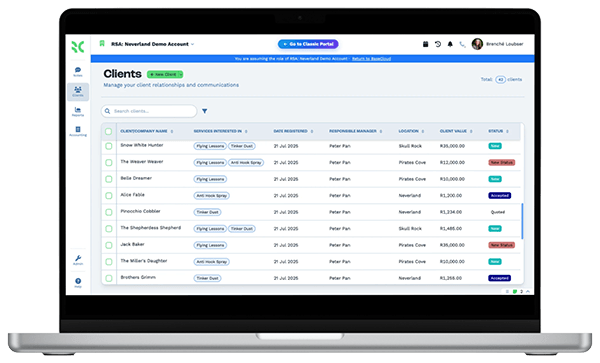
The giving platform sends a webhook, or a staff member adds the gift. The donor record and the first row in the gift table are created.
2. Thank-you sent
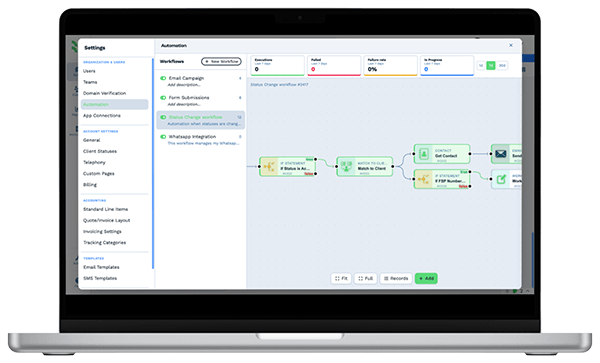
A workflow emails a thank-you from the director's mailbox the same day, using your own template.
3. Call assigned
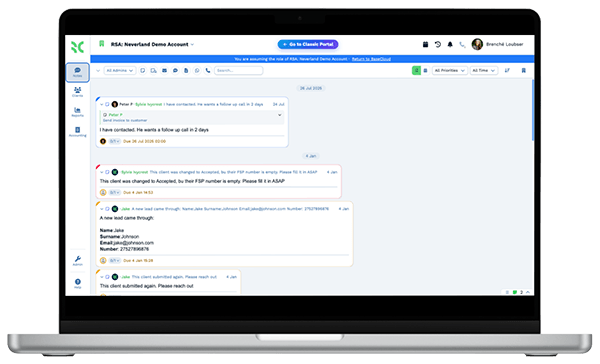
Larger gifts create a task for the development lead to phone the donor. The call is recorded on the donor's record.
4. Kept in the loop
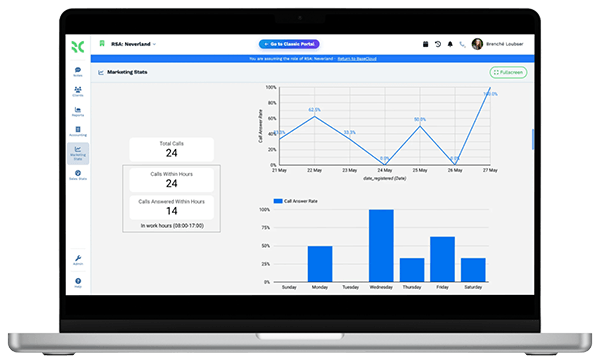
The donor joins the newsletter list. Open and click tracking shows which stories they read.
5. Invited in
A text invites them to a volunteer day, and the reply lands on their record for the coordinator.
6. Asked again
Near the anniversary of the gift, the owner gets a task and the donor gets a personal note before the next appeal.
The team spends its time talking to supporters. Thank-yous, reminders and follow-ups are sent for them.