
















Example workflow
A couple planning a 120-guest wedding reception in June
The couple fills in your website form on a Sunday evening, after the kitchen has closed. Here is how the inquiry becomes a booked event.
1. Inquiry in
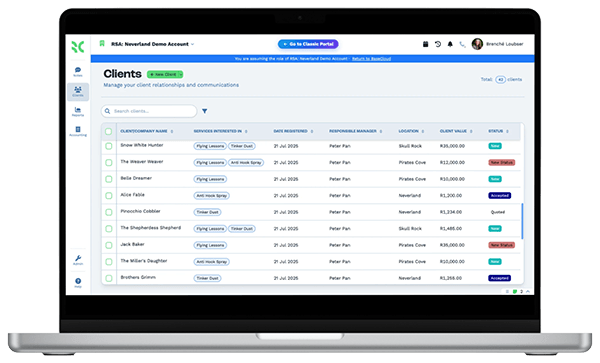
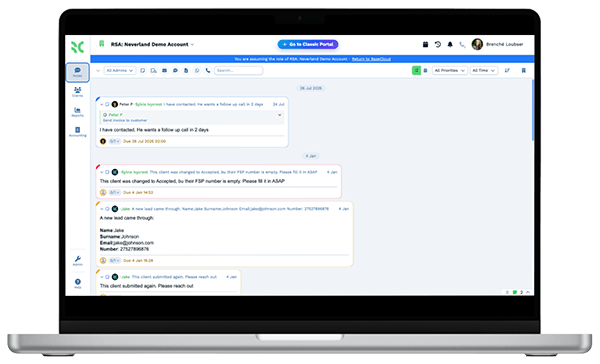
The form creates the customer as New Inquiry, with the wedding date and 120 guests in fields. The events manager gets a note to call on Monday morning.
2. Quote sent
The manager builds the quote from the price book with a plated dinner, bar service, event staff hours and a celebration cake. It goes out with the Catering Quote email.
3. Followed up
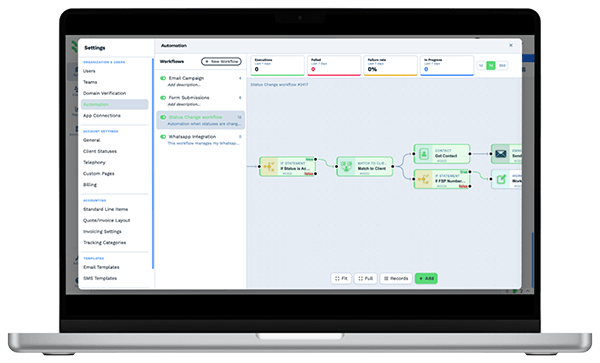
The couple goes quiet for three days. A workflow sends a friendly text and gives the manager a call task.
4. Deposit paid
The couple accepts and pays the event deposit online by card. The status moves to Booked and the Booking Confirmed email goes out.
5. Guest count confirmed
A week before the wedding, the Final Guest Count text goes out. The couple replies with 124 guests and two vegan meals, and the reply lands on their record.
6. Balance and thank-you
The pay page shows the balance due, and the couple pays the rest online. The day after the wedding, a thank-you text goes out and a review request follows.
The team spends its time cooking and hosting. Quotes, deposits, guest counts and thank-yous follow every booking on schedule.


