An ERP runs the back office: finance, stock, purchasing and order fulfillment. A CRM runs the customer side: leads, quotes, follow-ups and every conversation with a buyer. Most growing businesses end up with both, because the ERP knows what you sold and the CRM knows who bought it and what happens next.
We make a CRM that also does invoicing and double-entry accounting, so we have to draw the line between the two systems for our own customers. Our documentation lists what BaseCloud Books does and what it leaves out, and that list is a useful map of where a CRM with accounting stops and a full ERP begins.
What Is an ERP, and What Is a CRM?
ERP stands for enterprise resource planning. It puts the operational and financial records of a business in one system, so finance and the warehouse work from the same numbers. Typical modules cover the general ledger, receivables and payables, inventory, purchasing and order management, and bigger packages add manufacturing, payroll and HR.
A CRM, short for customer relationship management, holds the customer side of the business. It keeps contacts, emails, calls, notes, quotes and follow-up tasks on one record per client, so the history stays with the company when a salesperson leaves. Our guide to CRM software covers the basics.
An ERP also stores customers, as accounts with billing details, payment terms and order history. That record exists to ship and invoice correctly. It does not remind a rep to call back on Thursday.
An ERP project is usually a company-wide decision, because it touches finance and stock together and the team loads items, opening balances, suppliers and price lists before the first transaction. A CRM is usually a sales-team decision and can start with a list of contacts.
ERP vs CRM: Where the Line Falls
The simplest split is by what each system protects. An ERP protects accuracy, so stock counts and the books match reality. A CRM protects relationships, so no lead goes cold and no quote sits unanswered.
The table shows how the jobs divide, with a column for what BaseCloud does today. It comes from the BaseCloud Books documentation, including the items that page lists as not done yet.
| Job | Usual home | BaseCloud today |
|---|---|---|
| Leads, pipeline and follow-up tasks | CRM | Yes |
| Calls, texts, WhatsApp and email on the client record | CRM | Yes |
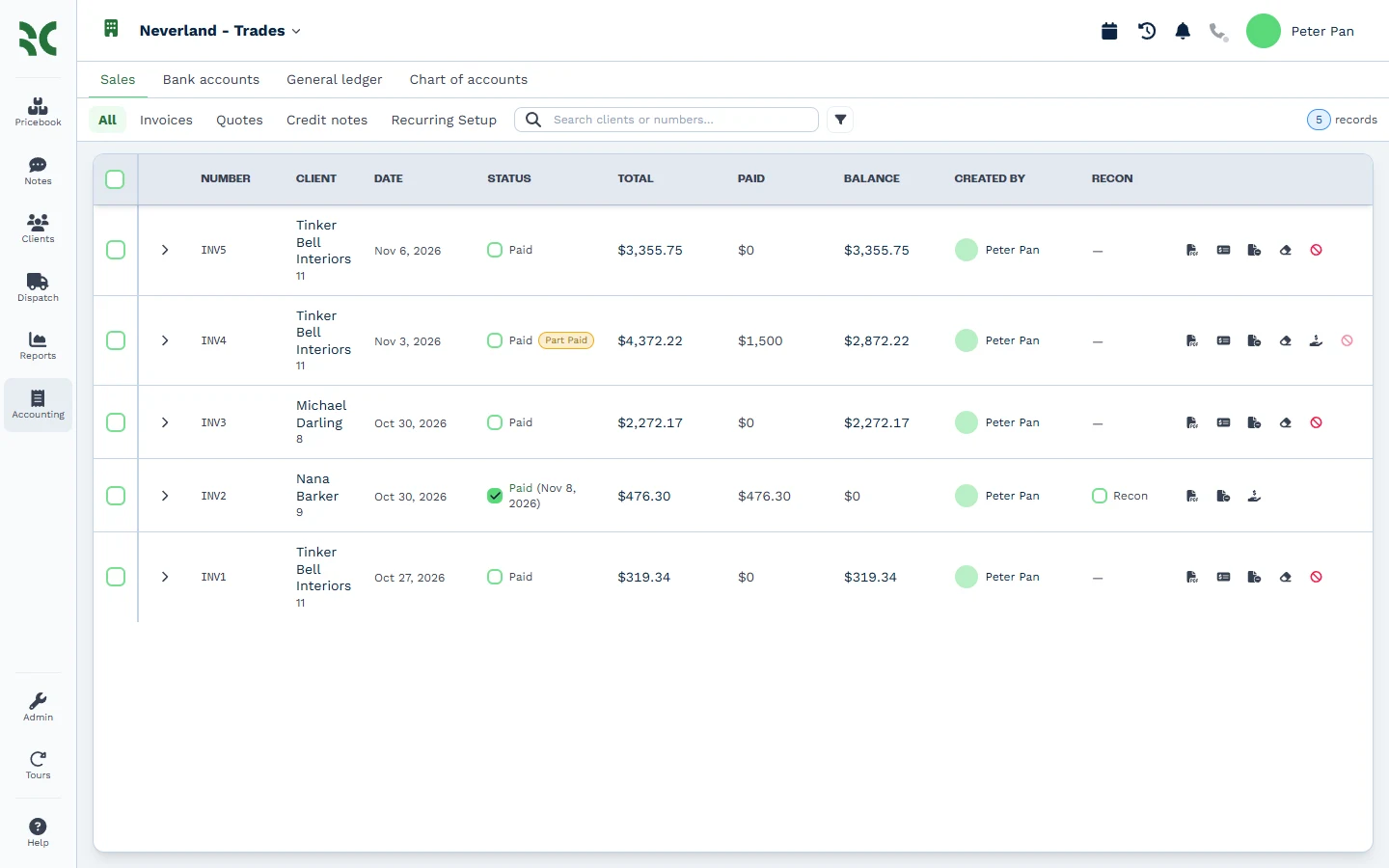
| Quotes and invoices | CRM or ERP | Yes, in one numbering sequence |
| General ledger, bank reconciliation and trial balance | ERP or accounting software | Yes, in Books |
| Stock counts and cost of goods by item | ERP | Not yet |
| Bills, suppliers and purchase orders | ERP | Not yet |
| Payroll | ERP or payroll provider | Not yet |
Both systems keep a customer record, which is where the confusion starts. In the ERP it exists to bill and ship. In the CRM it exists to sell and serve.
When the two are not connected, one customer lives in two places with two sets of details. A rep fixes a phone number in the CRM and finance keeps invoicing the old contact. That duplicate data is the main reason businesses connect the systems.
What a CRM With Accounting Covers and What It Leaves to an ERP
BaseCloud Books writes a full double-entry ledger from every invoice, payment, credit note and refund. It has bank accounts with statement import or a US bank feed, reconciliation, manual journals, lock dates, sales tax and the standard reports, including profit and loss and the balance sheet. You can read more about accounting inside the CRM.
It does not keep stock counts or cost of goods by item. It has no bills or purchase orders, and it does not run payroll. The documentation tells customers to keep stock in an inventory system, post the cost of sales as a journal at month end, and record supplier payments as money spent.
That makes the boundary practical. A business that quotes, invoices, takes payment and keeps its books can do all four in BaseCloud. A business that holds stock and buys from suppliers needs inventory and purchasing somewhere else, and that is where an ERP or an inventory system earns its place.
What a CRM Does That an ERP Does Not
A CRM tracks the whole path around the order. Leads arrive from website forms and phone calls, a rep follows up, books a meeting, sends a quote and records the outcome. The ERP only learns about the customer once an order exists, which is too late to help with the sale itself.
Sales history is hard to keep in an ERP because its screens are built around transactions, and a sales conversation is not a transaction until it ends in an order. A CRM keeps the email thread, the last call, the open quote and the notes together, so a colleague can pick up where the last person stopped.
A CRM also answers the questions managers ask on Monday morning. How many new leads came in last week, and how many have a quote out? An ERP can tell you what sold, but it cannot tell you what stalled and why.
When You Need an ERP, a CRM or Both
A business that holds stock needs inventory control, and that is the ERP’s job. A business whose revenue depends on quoting and follow-up needs a CRM. Distributors and manufacturers usually need both, since they carry stock and sell through a team of reps.
A small service business works differently. A crew of technicians often needs an accounting package and a CRM, and a full ERP adds cost and setup time for modules the business never opens.
Some signs point clearly to one system. Stock counts that disagree with the shelf and a month-end close that takes days point to an ERP or better accounting. Leads sitting in personal inboxes and quotes with no follow-up date point to a CRM.
Growth changes the answer. Most businesses start with accounting software, add a CRM when follow-up starts slipping, and move to an ERP once stock or several sales channels outgrow the accounting package.
How an ERP and a CRM Work Together
A practical rule keeps the data clean: give each kind of record one owner. The CRM owns contact details, conversations, quotes and notes. The ERP owns stock, prices, invoices and payment status, and you sync only the pieces both teams need to see.
This is where BaseCloud comes in. It connects to accounting through workflow tasks for QuickBooks Online and Xero. The QuickBooks task creates and finds invoices and customers, and it records payments, and a QuickBooks trigger starts a workflow that marks the BaseCloud invoice paid when a customer pays in QuickBooks.
Other systems connect through Webhook Out, which sends data to any web service, and a MySQL Query task reads and writes a database directly. The full list of integrations is on our site.
See It Next to Your Own Setup
To see how BaseCloud sits next to your ERP or accounting package, book a demo and bring your setup with you.